
Evals Management
This section describes how to use Evals Management.
Overview
An evaluator is an automated test that scores prompt outputs. Evaluators can check for:
- Quality metrics (e.g., correctness, relevance, completeness)
- Safety checks (e.g., toxicity, bias)
- Custom criteria defined by your team
Each evaluator requires specific input variables, which can come from:
- Dataset columns: Static values from your test data
- Experiment output: Values extracted from prompt outputs
Example:
An evaluator called "Answer Correctness" that checks if the prompt's answer matches the expected answer. It requires:
response: The prompt's outputexpected_answer: The correct answer
For each test case, it compares the response to the expected answer and returns a pass/fail score.
Create Evaluator
-
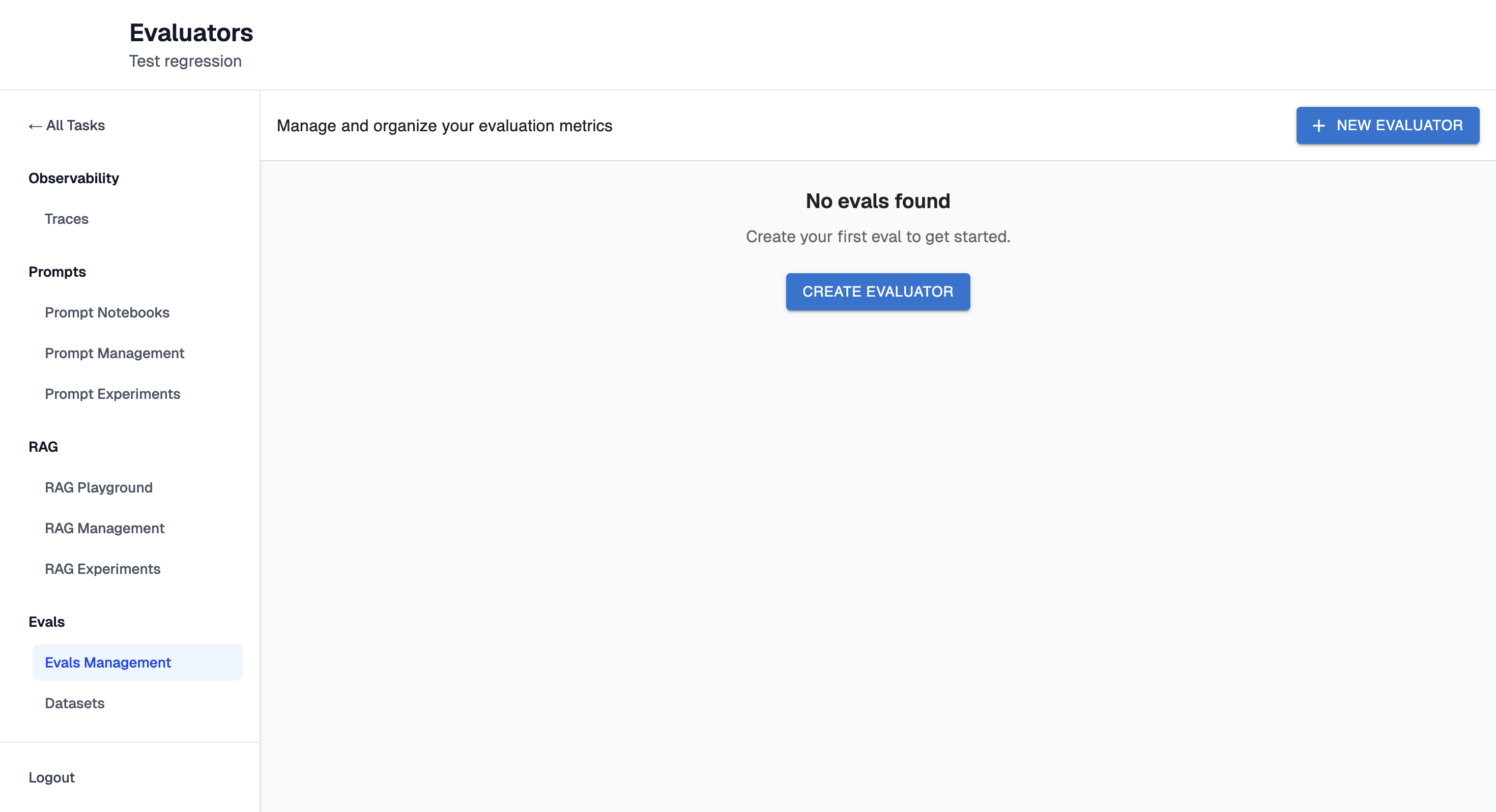
Navigate to the Evals Management page.
-
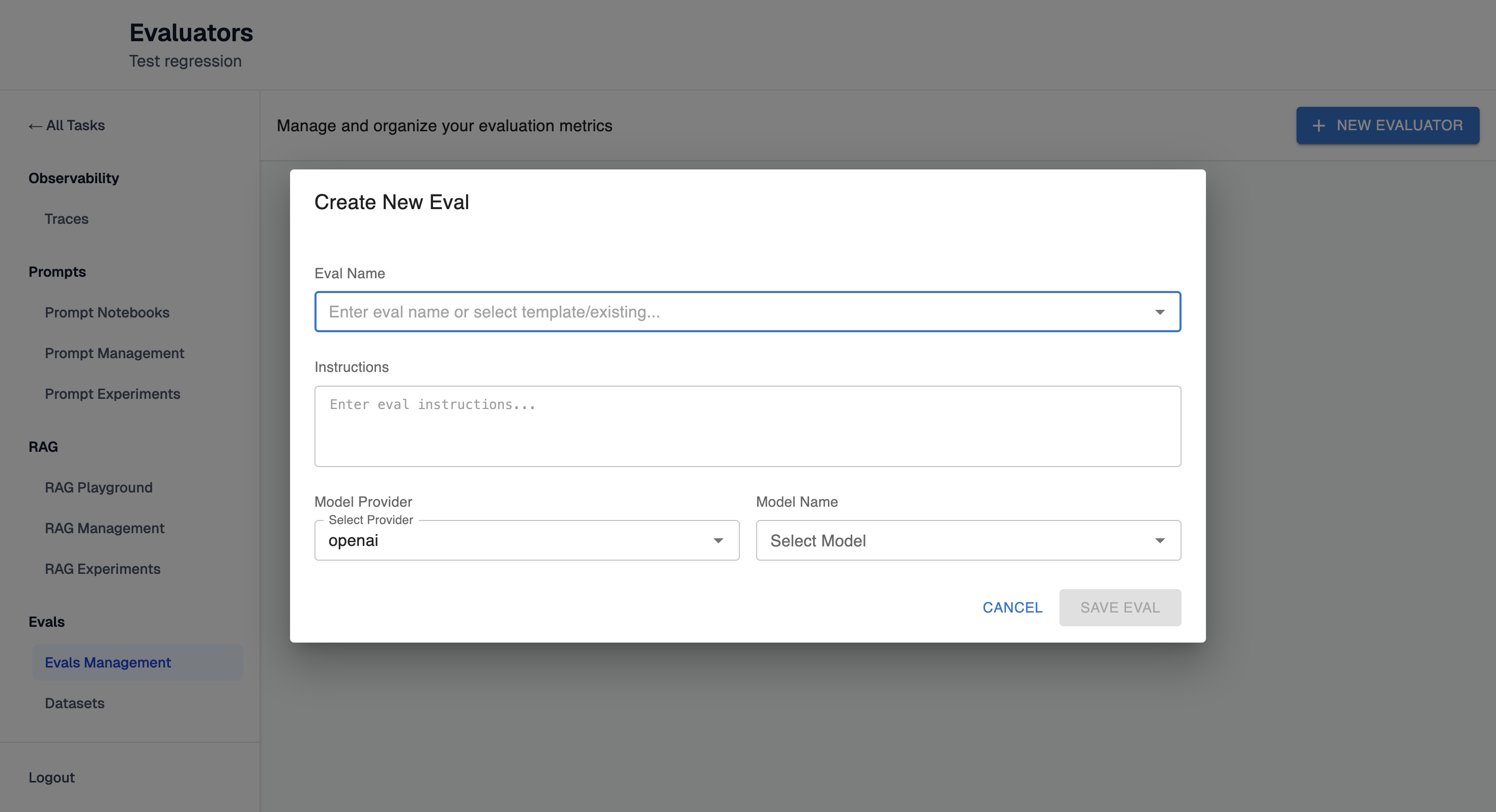
Click "+ New Evaluator" button. It will open configuration form:
-
Enter eval name or select template or existing one.
-
Enter instructions. Note: they will be filled automatically if you select template or existing one.
-
Fill Model Provider and Name.
-
Click "Save Eval" button.
-
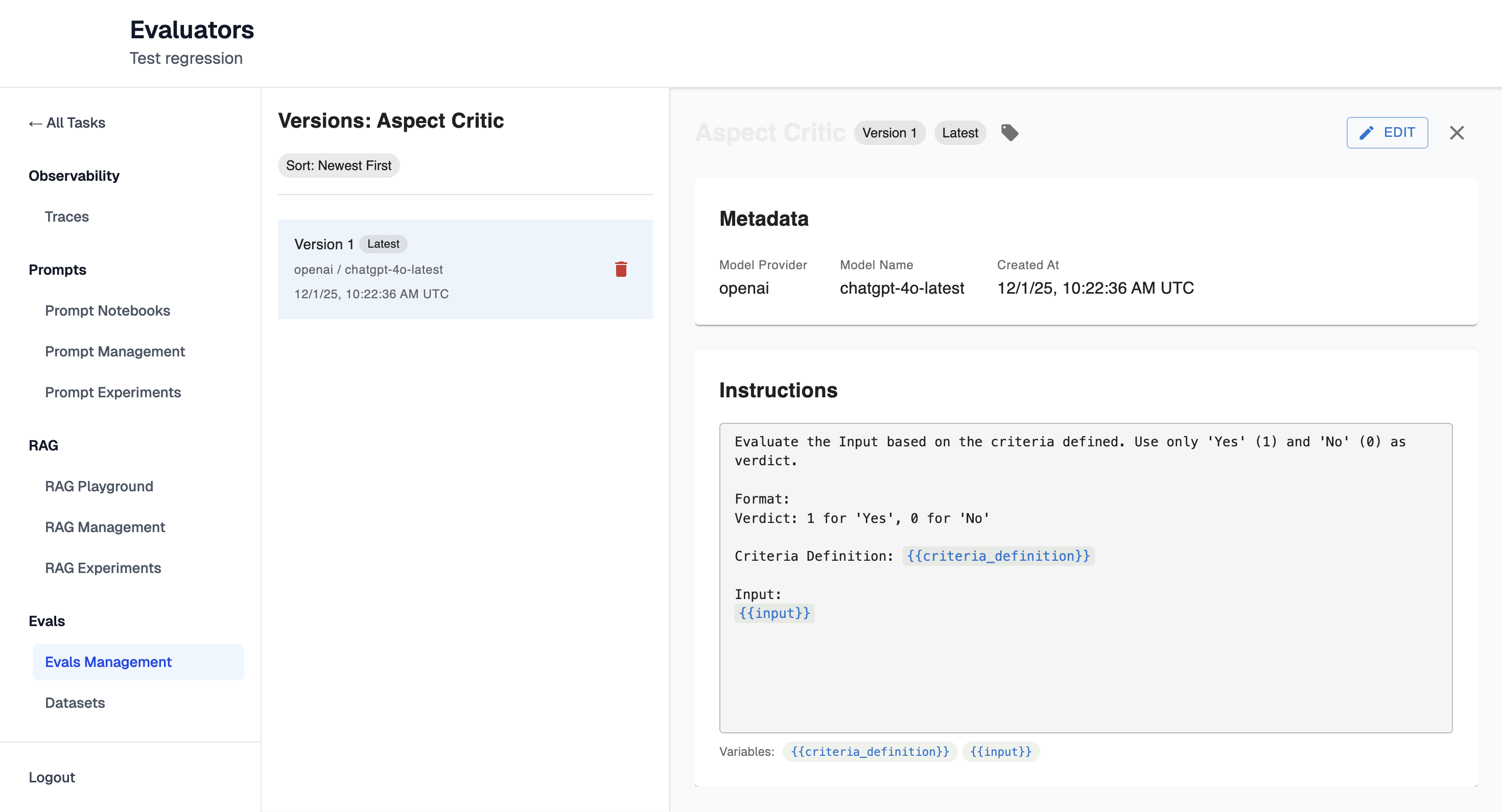
Once Evaluator is created you will be redirected to it's details page:
-
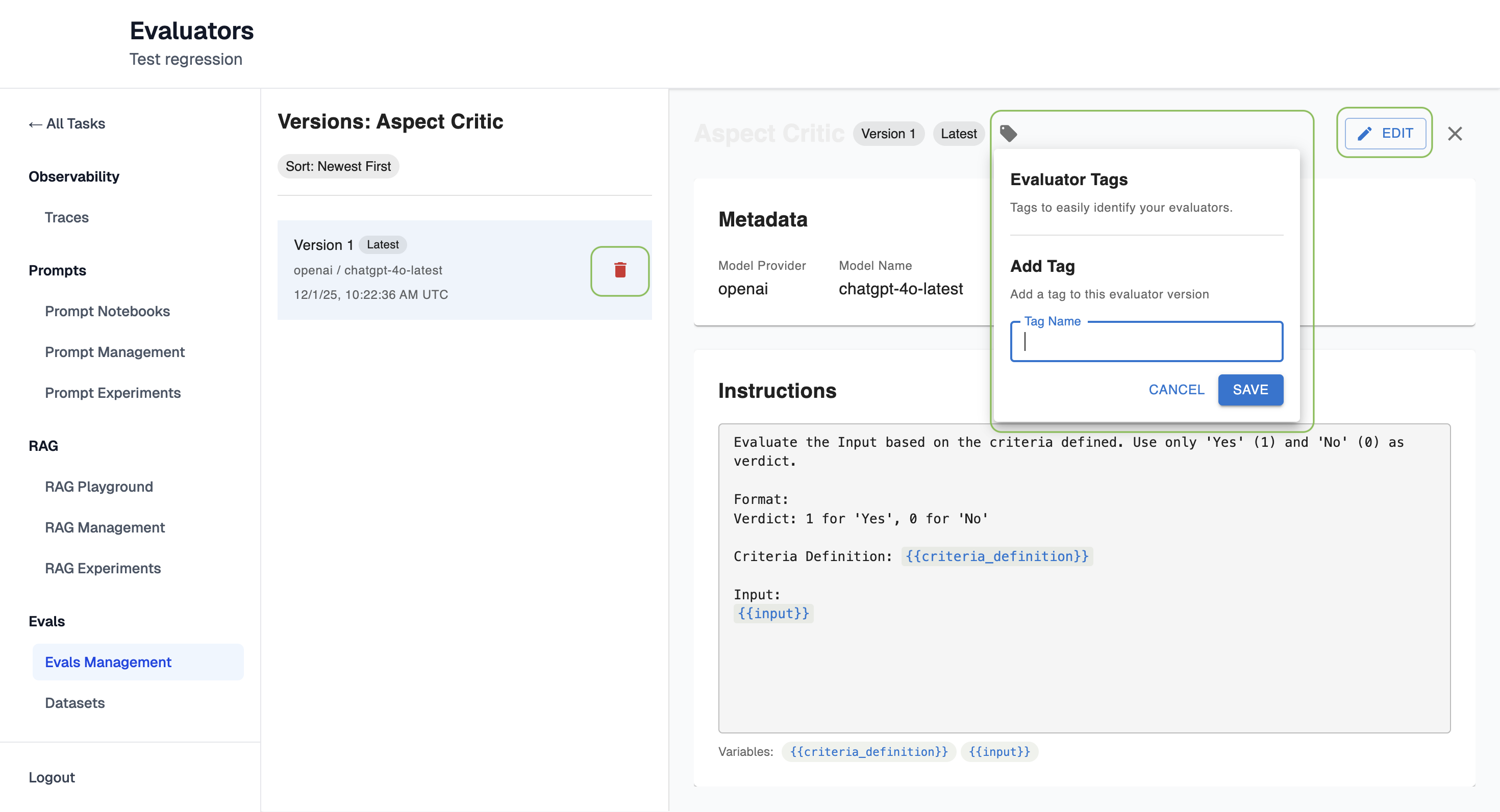
From here it's possible to edit evals, add tags to it and delete it:
Updated 9 months ago