
API Keys Management
This section describes how to create and manage API keys for accessing the GenAI Engine.
Navigate to the API keys page:
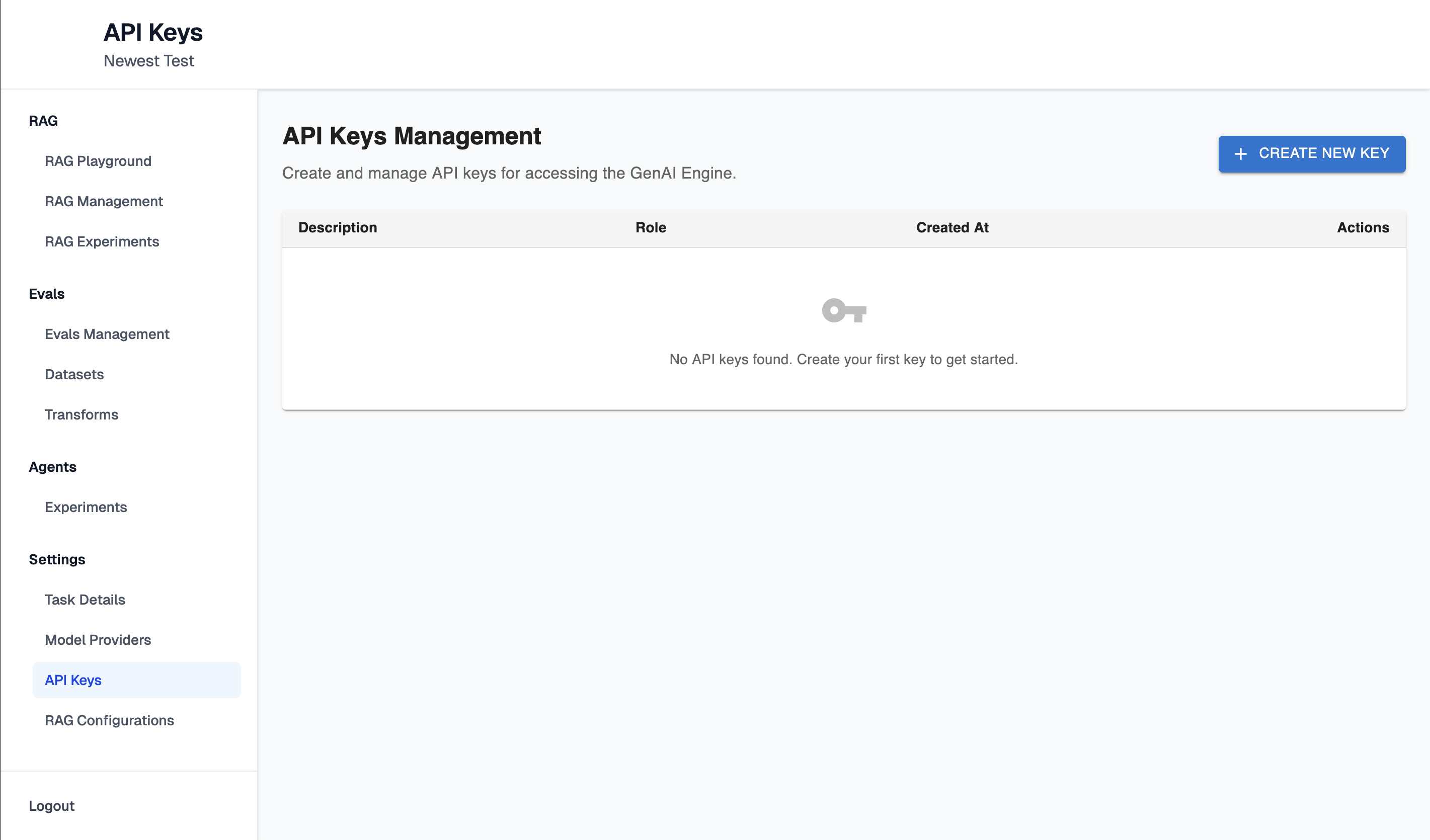
Click "Create New Key" button. It will open configuration form:
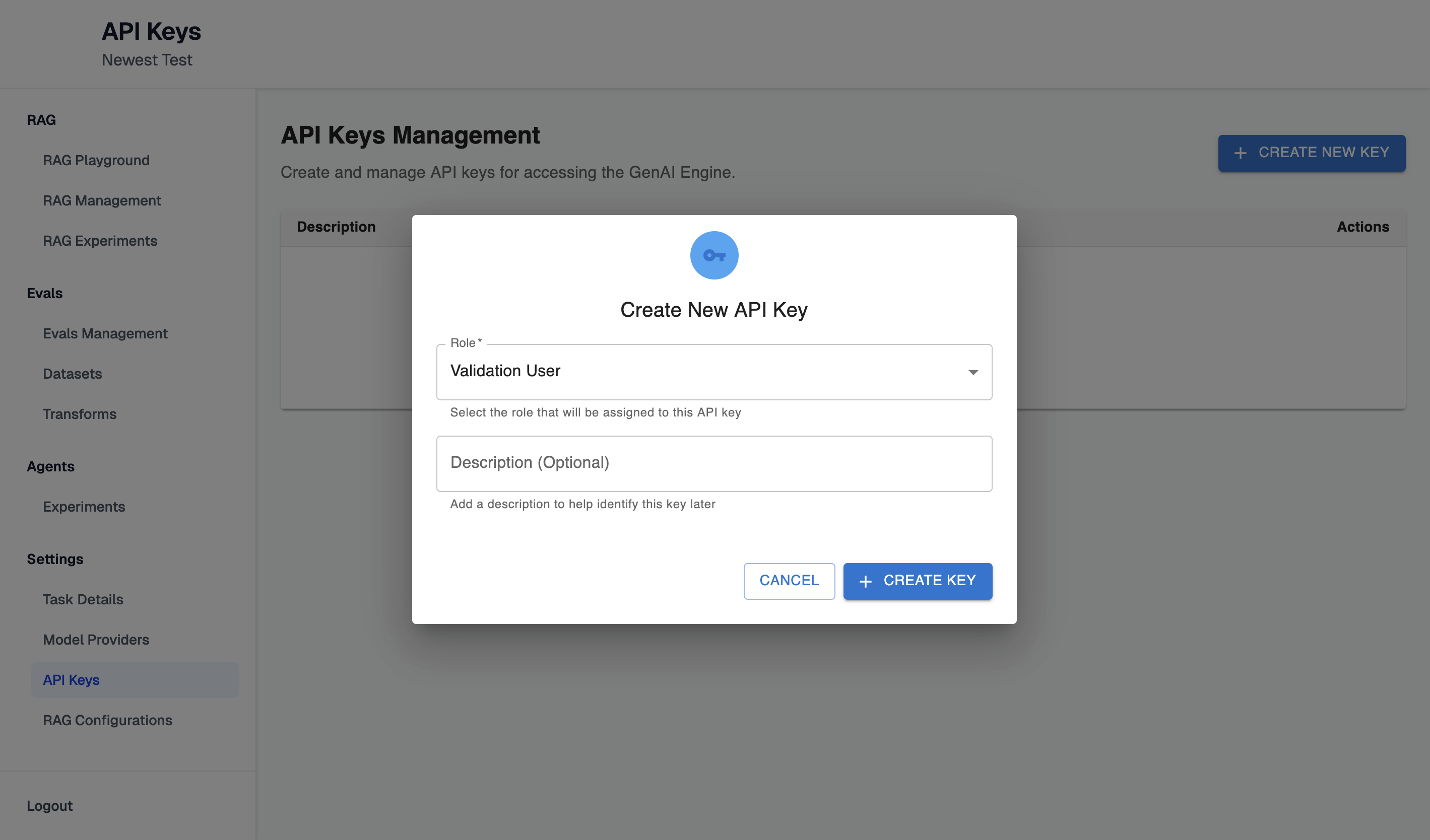
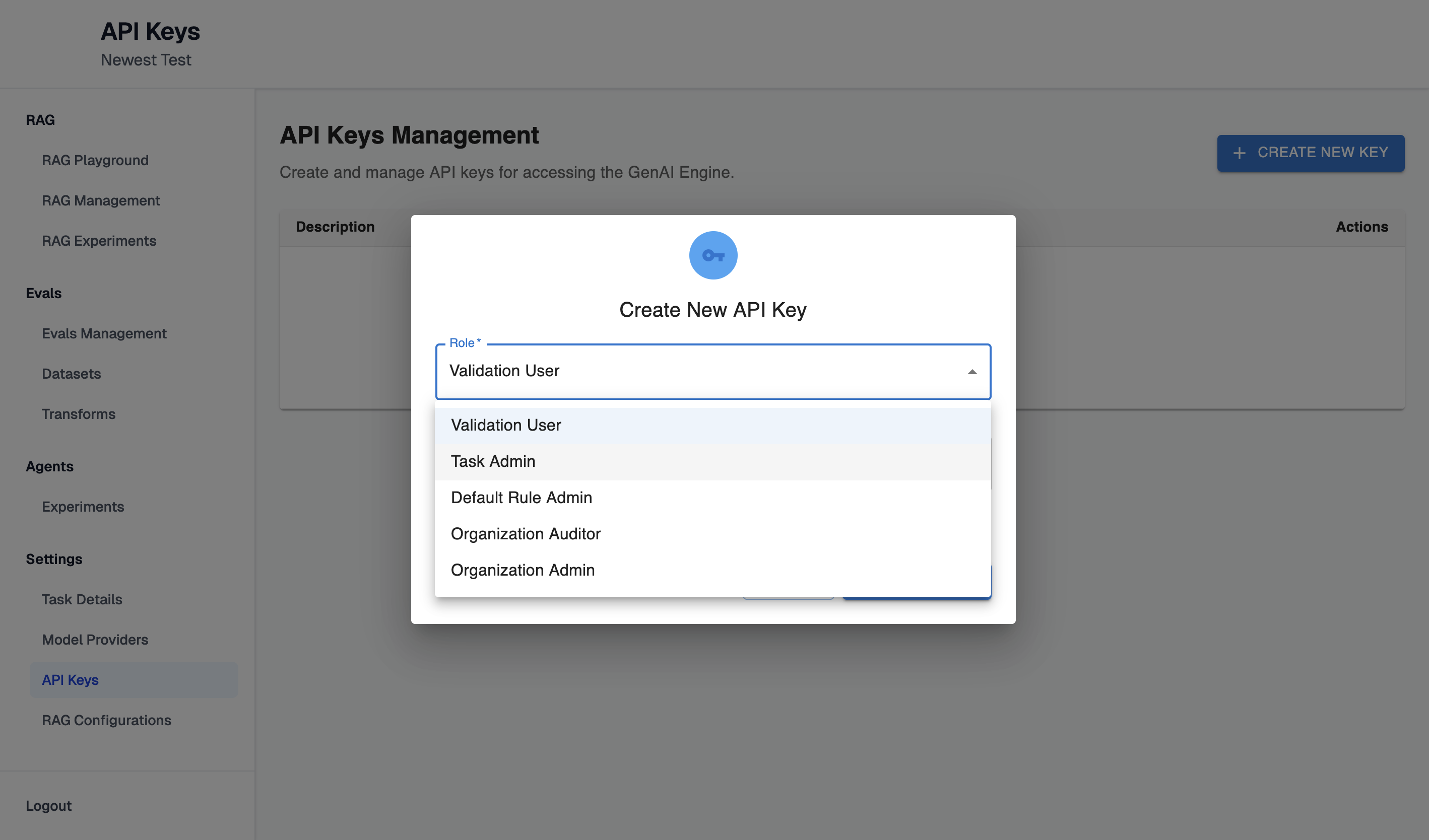
Choose a role from the list of available options:
- Validation User
- Task Admin
- Default Rule Admin
- Organization Auditor
- Organization Amin
Enter a description (optional) and click the 'Create Key' button. A success modal will then appear displaying your API key.
Note: Make sure to copy your API key now. You won't be able to see it again!
Once API key is copied and saved click "Done" button.
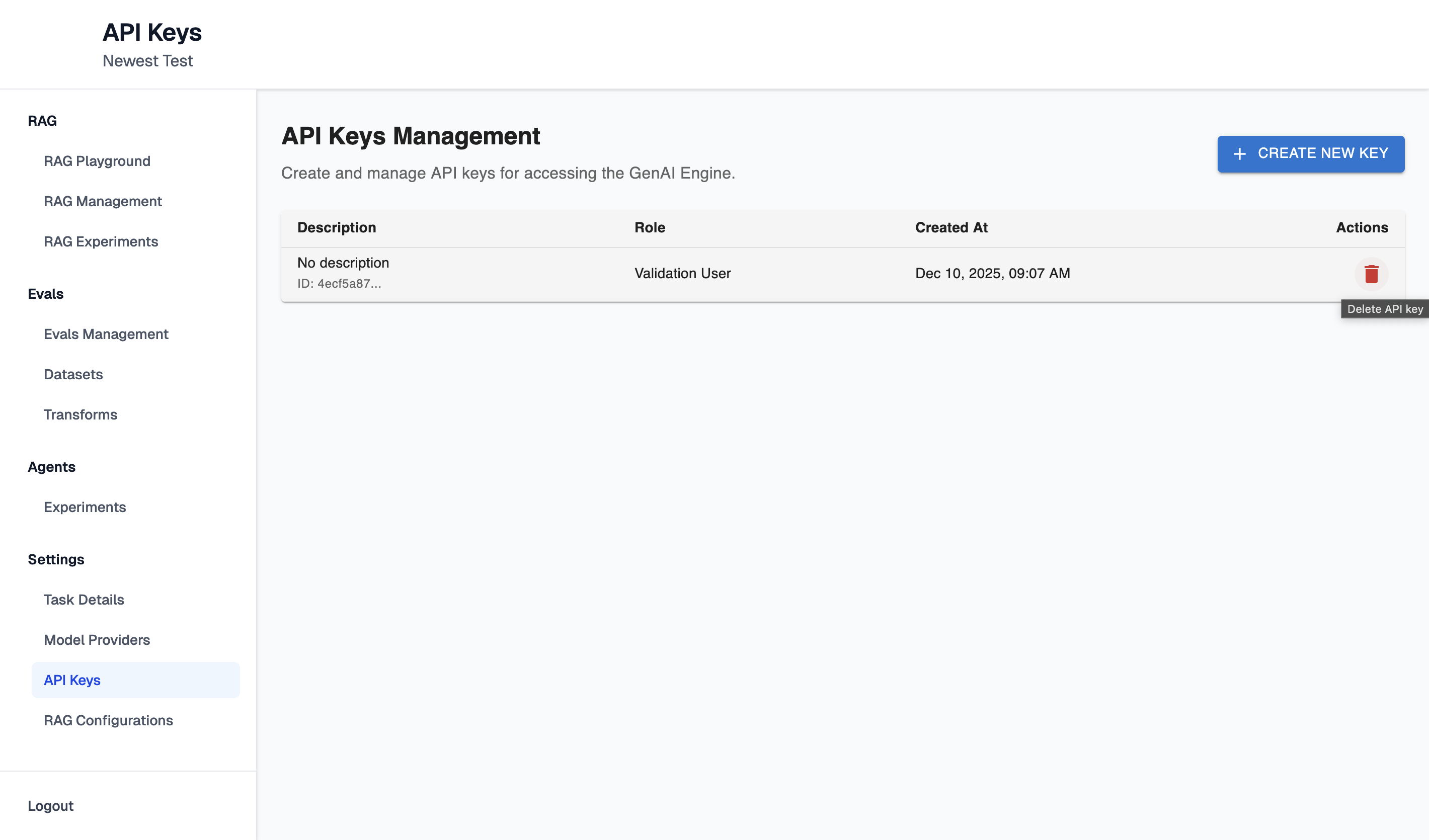
At any time after creation, the API key can be deleted if it is no longer required, by clicking bin icon on the row with the API key:
Updated 11 months ago
Did this page help you?