
Prompt Management
This section describes how to use Prompt Management.
Navigate to Prompt Management page. Here all the saved prompt will be visible:
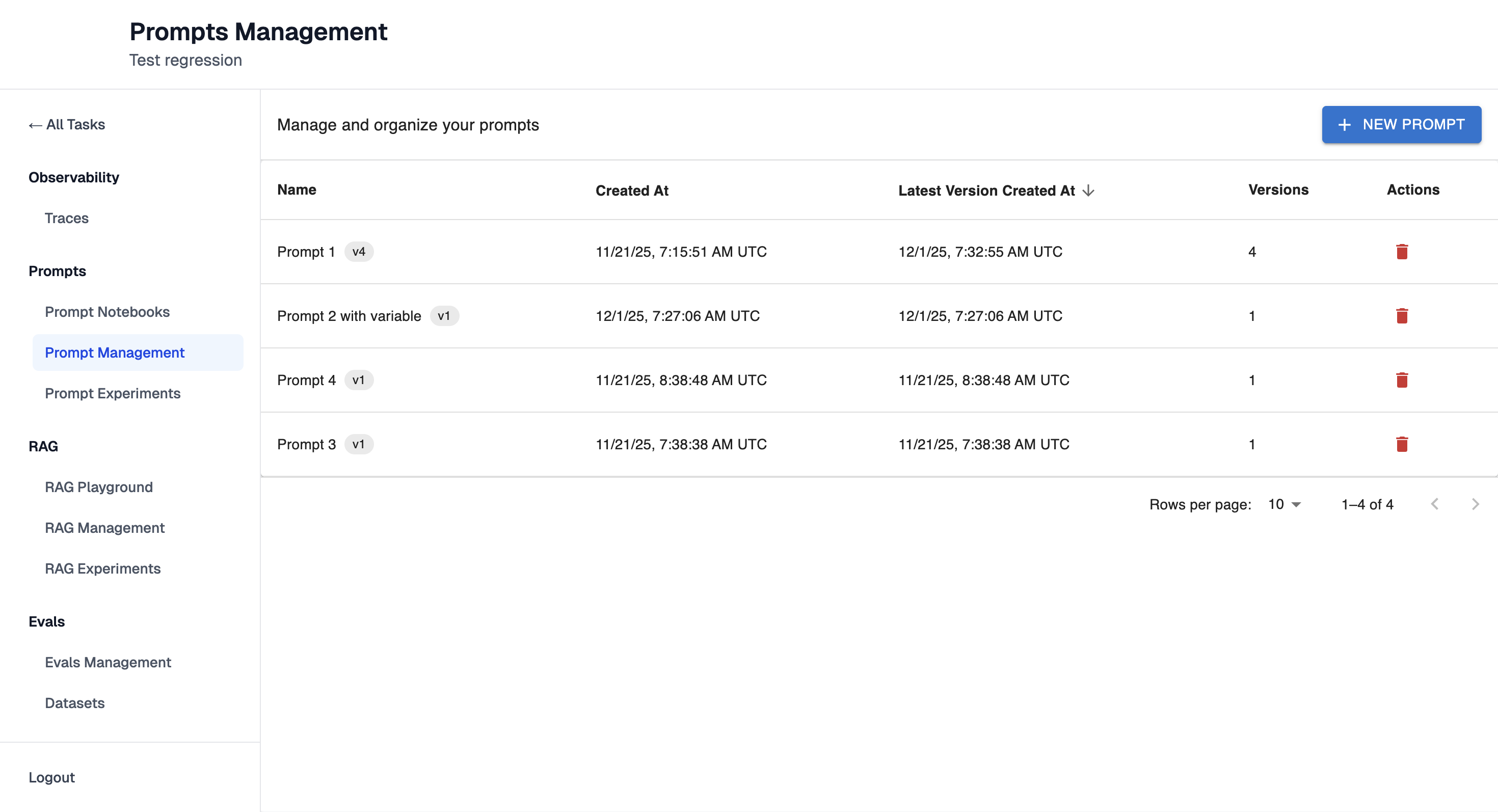
Note: Clicking the button "+ New Prompt" will redirect to Prompt Playground page where creating a new prompt is possible.
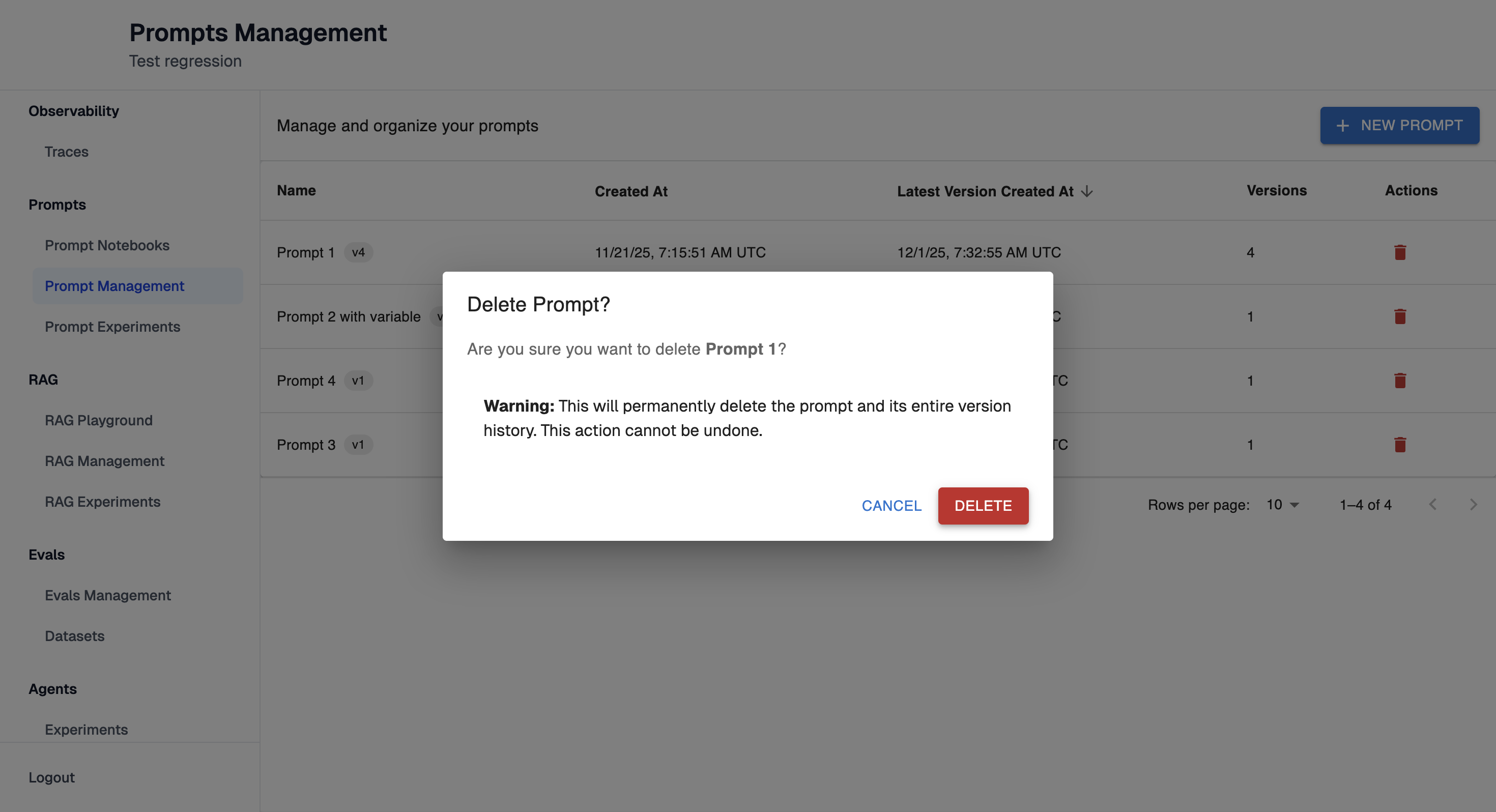
Remove prompts you no longer want to use:
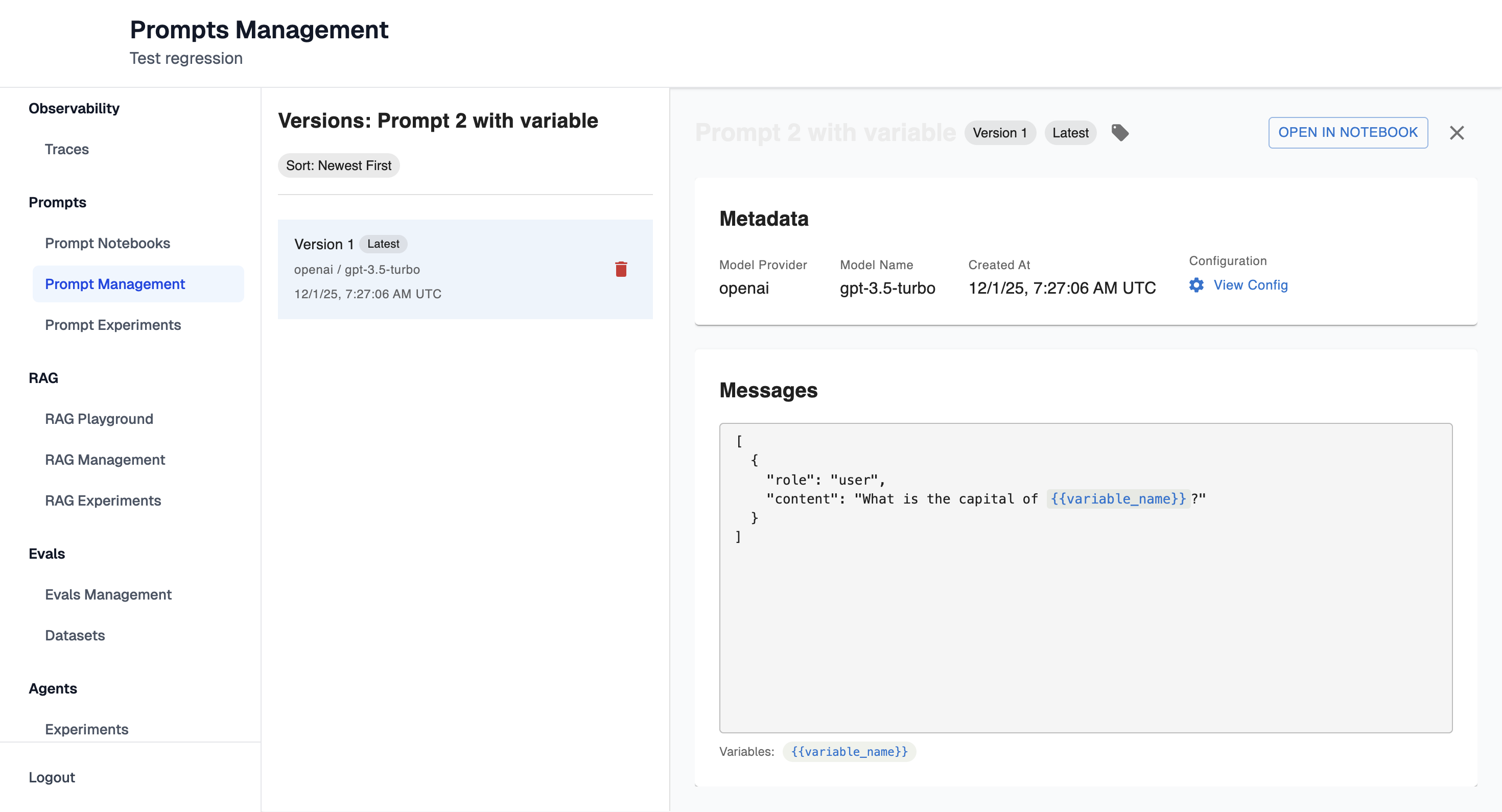
Prompt Details page
Clicking on existing prompt will open Prompt Details page:
Prompt Versions
If a prompt has multiple versions, they will also be displayed here:
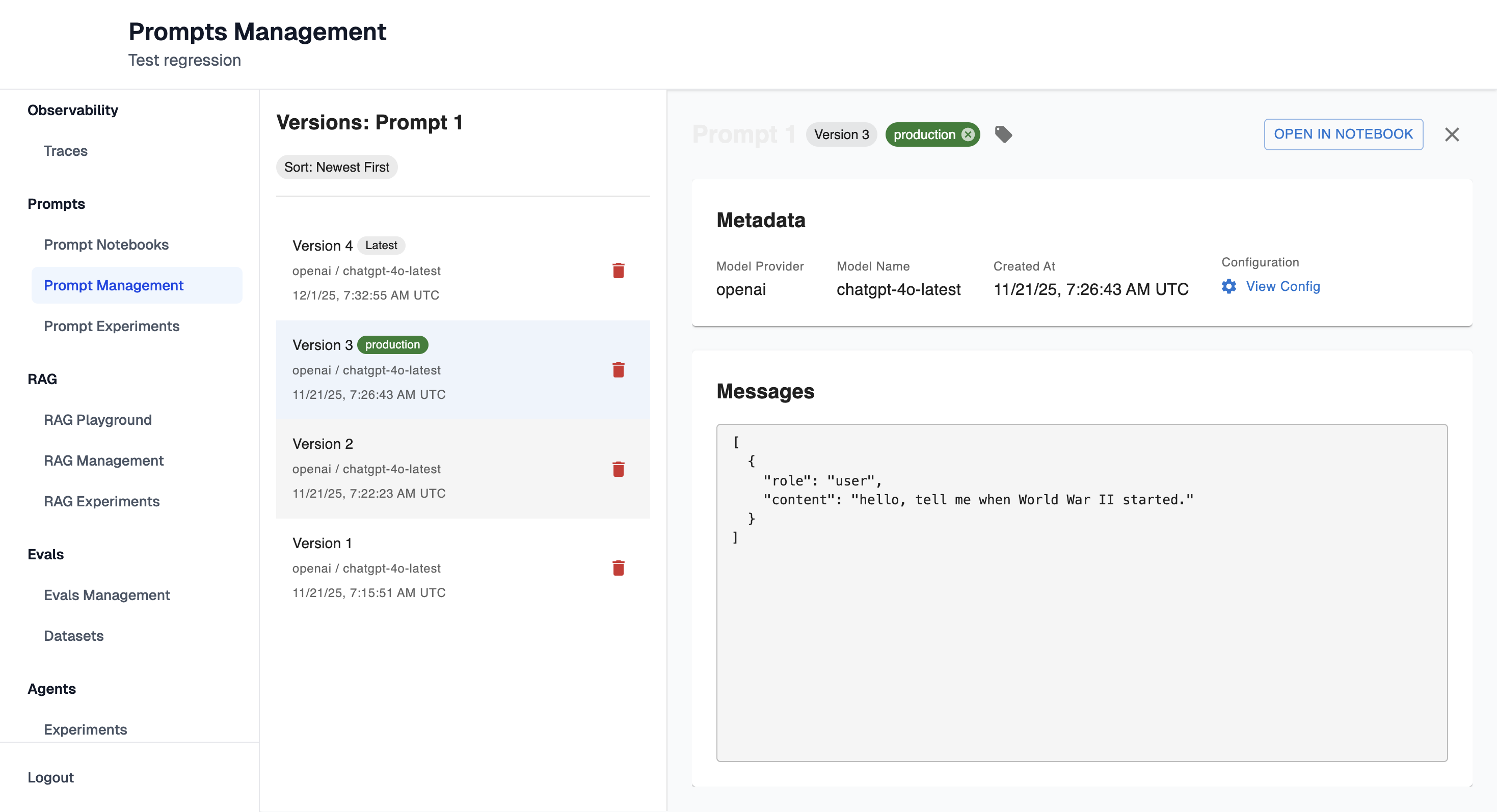
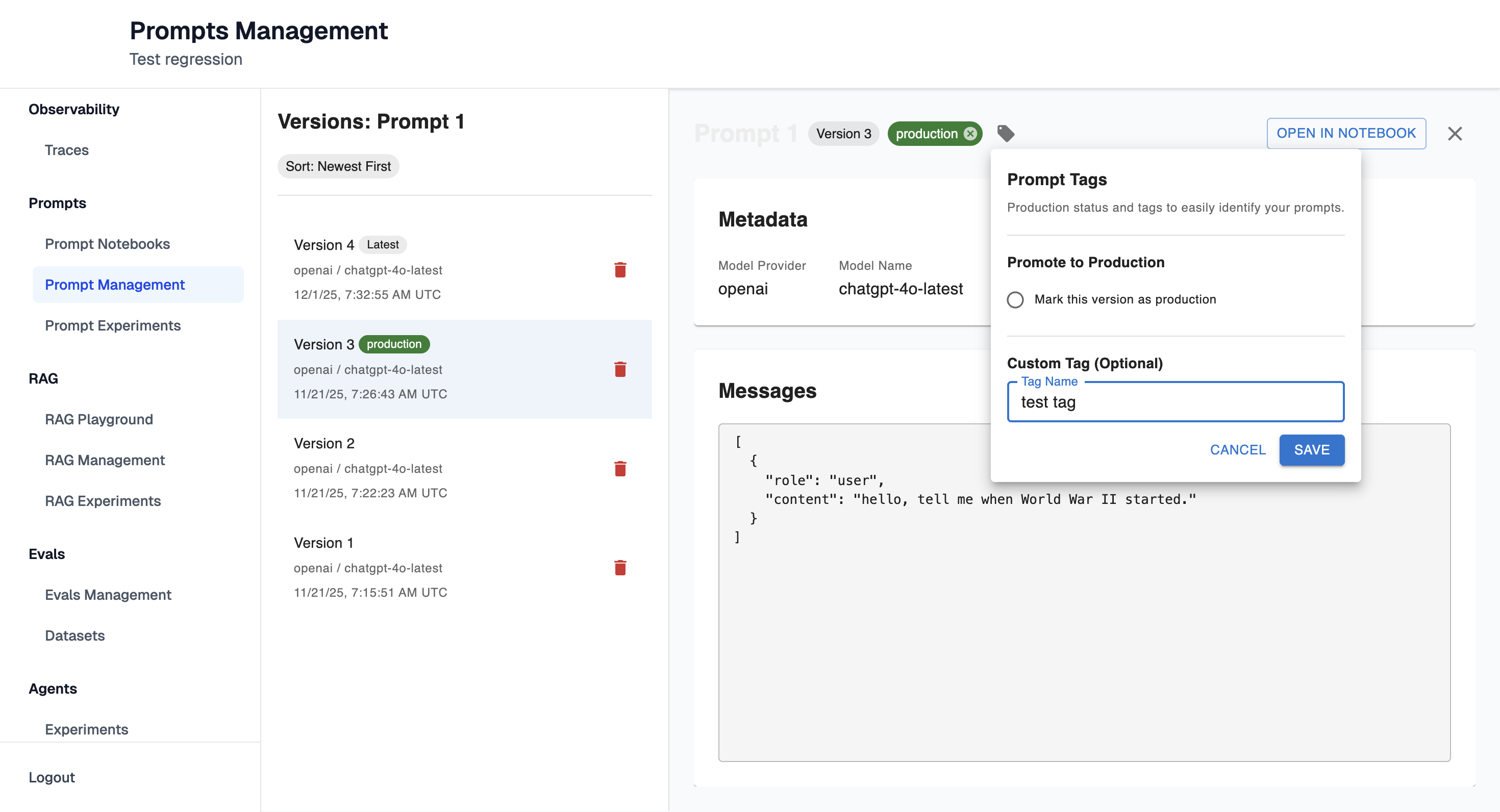
Tags
From this view, you can add tags to the prompt version:
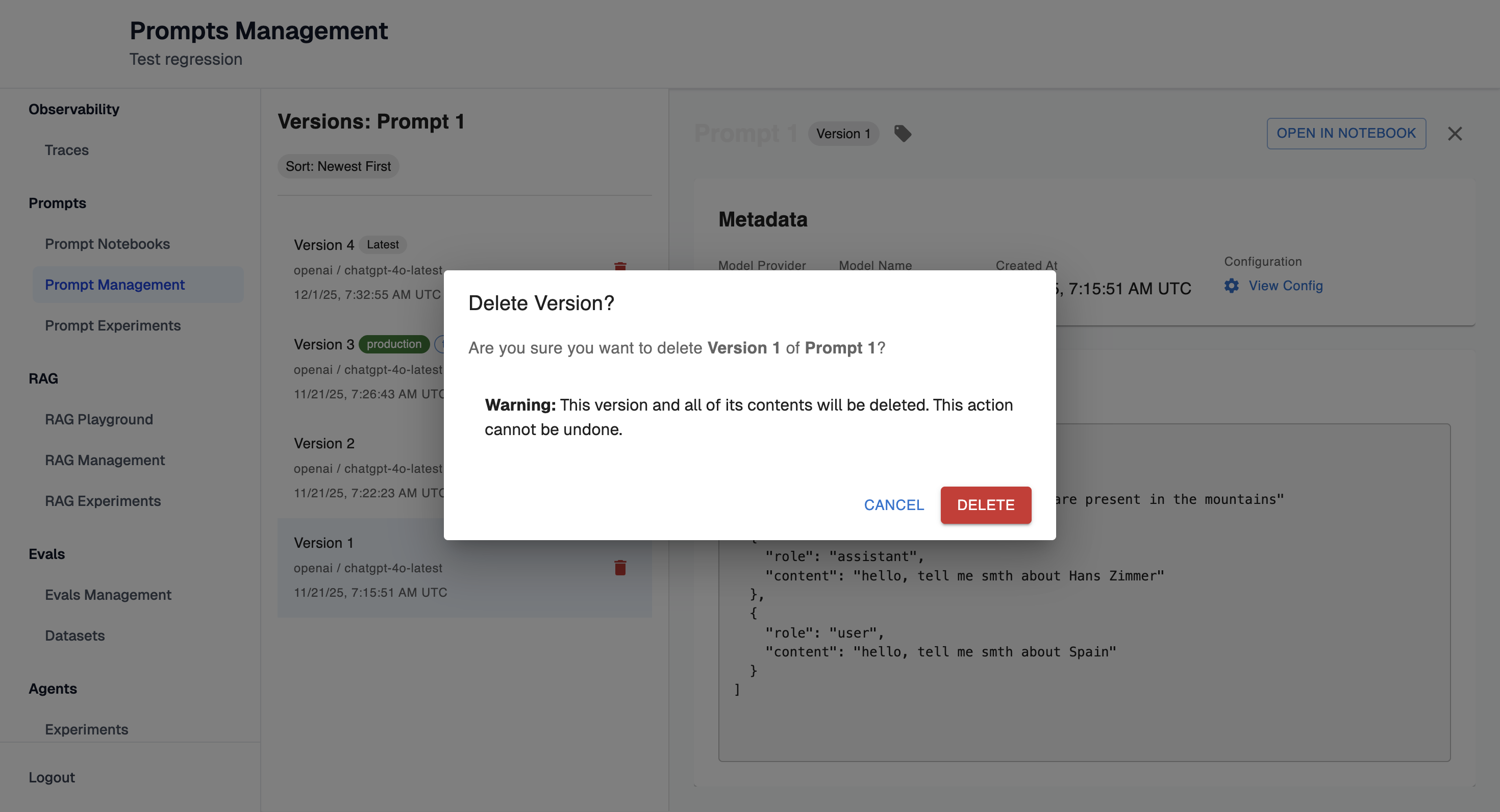
Delete Prompt versions
Delete prompt versions you no longer want to use:
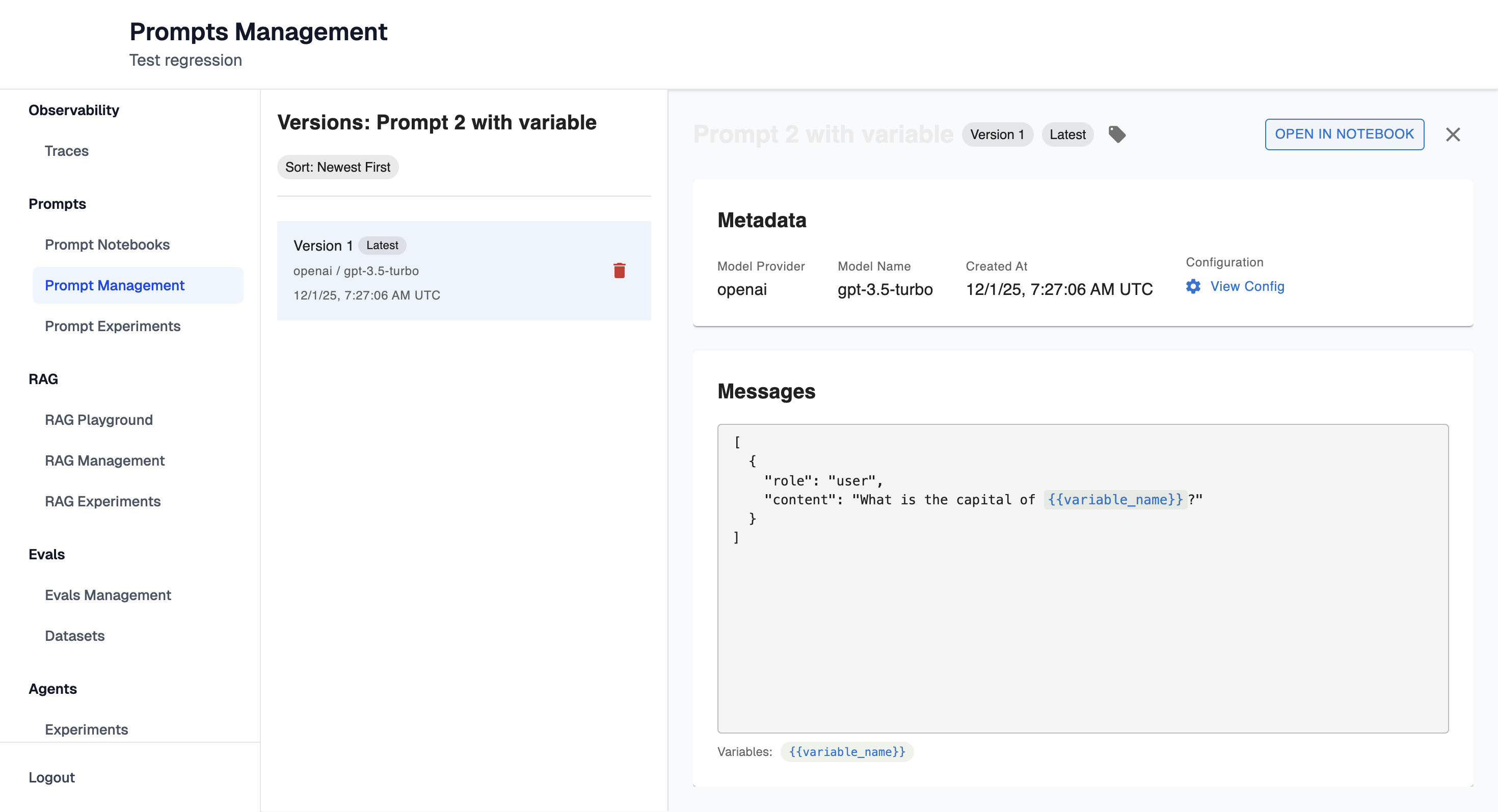
Open in Notebook
Click "Open in Notebook" button.
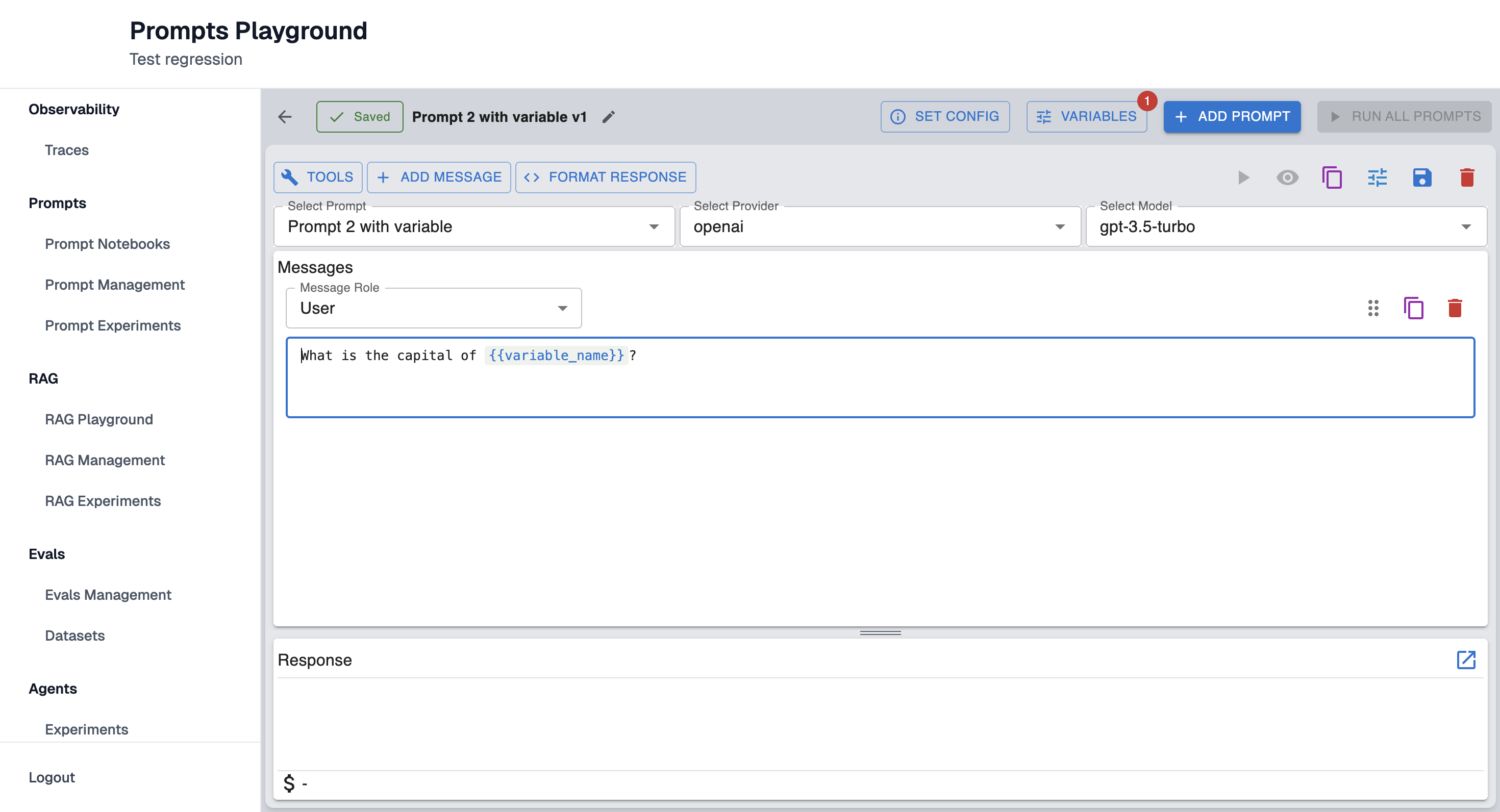
This will redirect you to Prompt Playground page with your saved prompt already filled in:
Updated 10 months ago
Did this page help you?