
Setting Up GenAI Metrics
Learn how to configure built-in and custom metrics that evaluate your GenAI model’s prompts and outputs for safety, compliance, and quality.
Accessing the Model Metrics Page
Navigate to Model Overview → Model Management → Metrics.
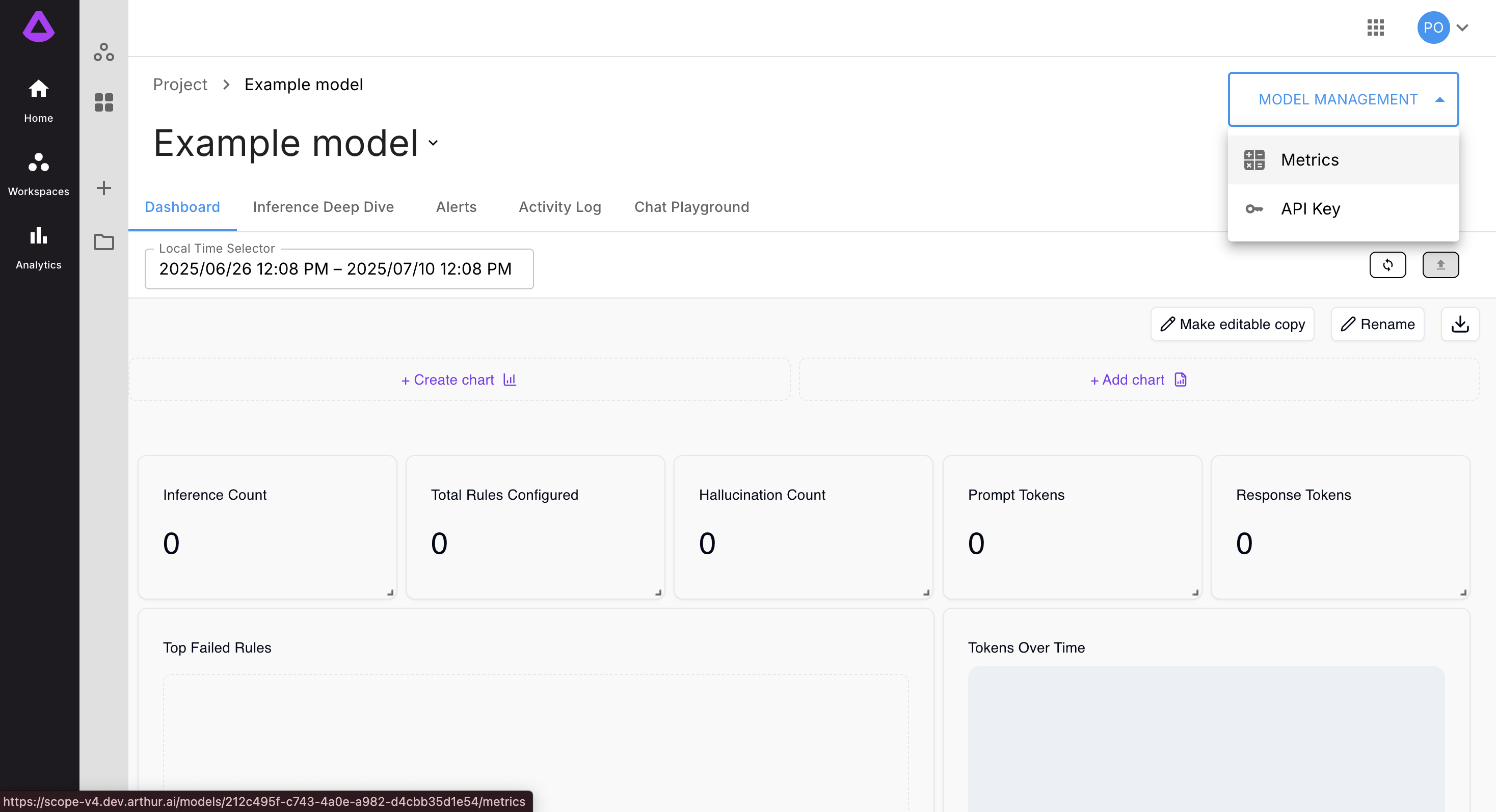
This opens the Model Metrics configuration screen:
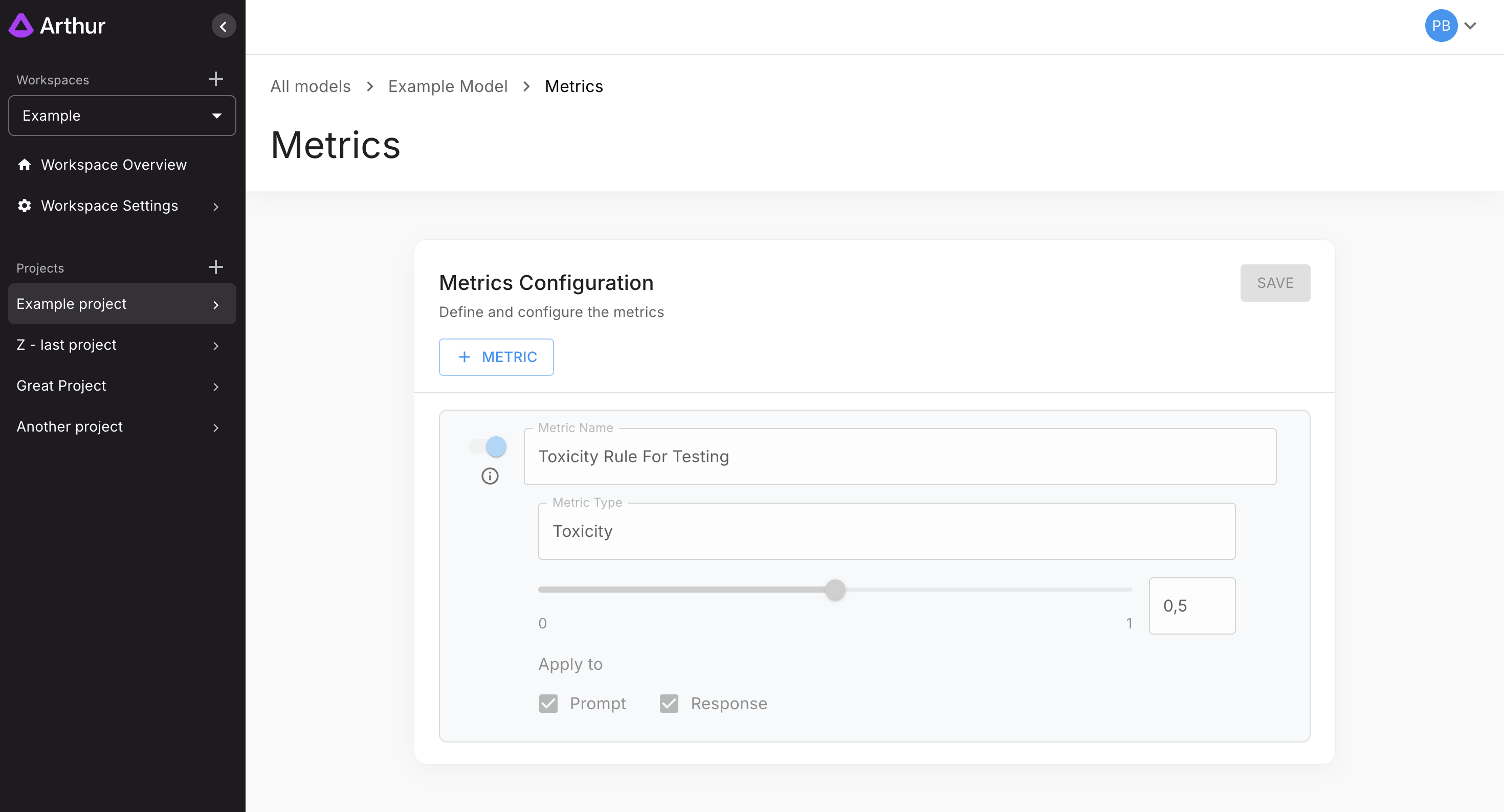
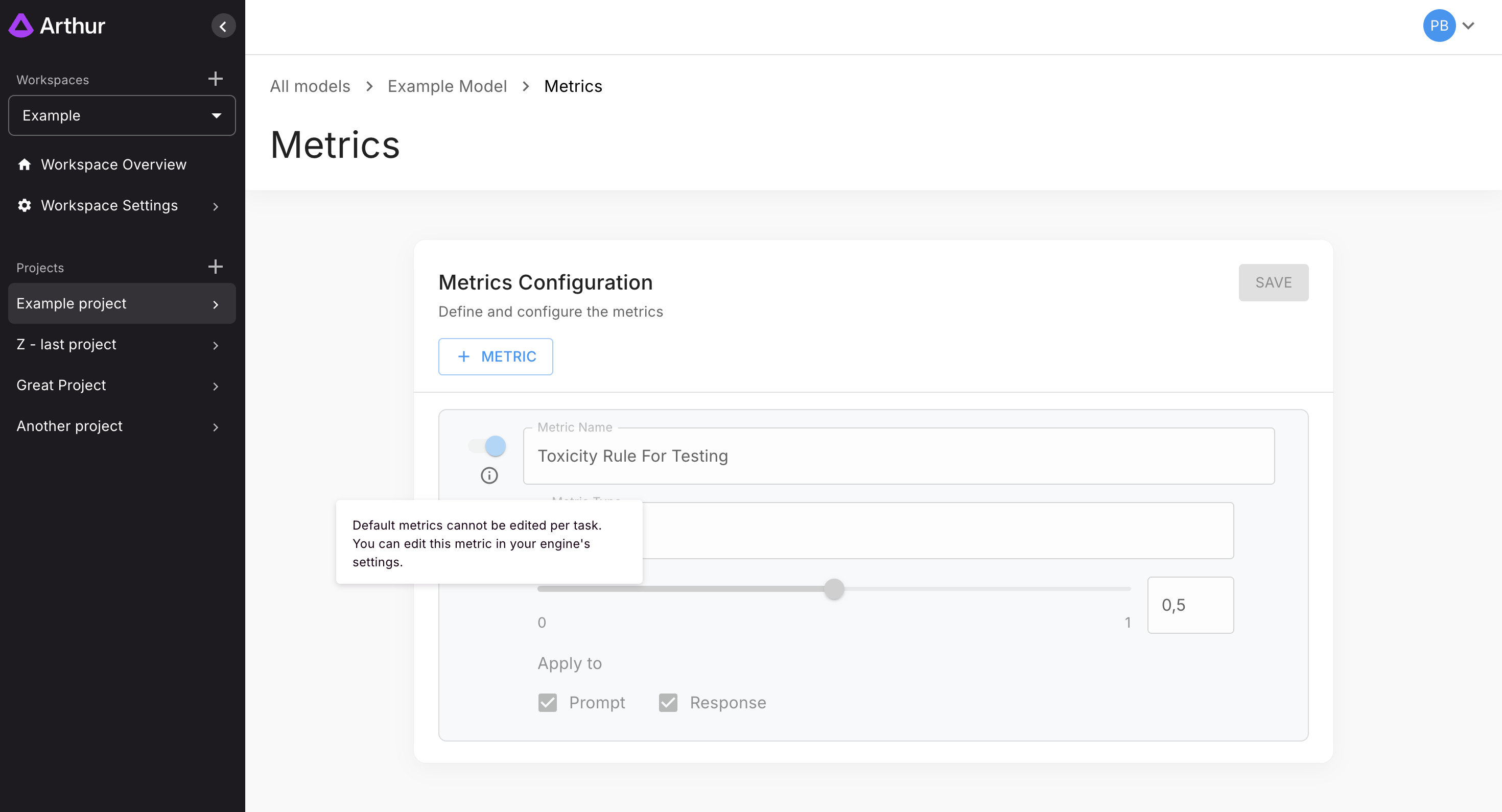
If your model includes default rules, they will appear but cannot be modified here:
Adding a New Metric
Click + Metric to open the metric creation form:
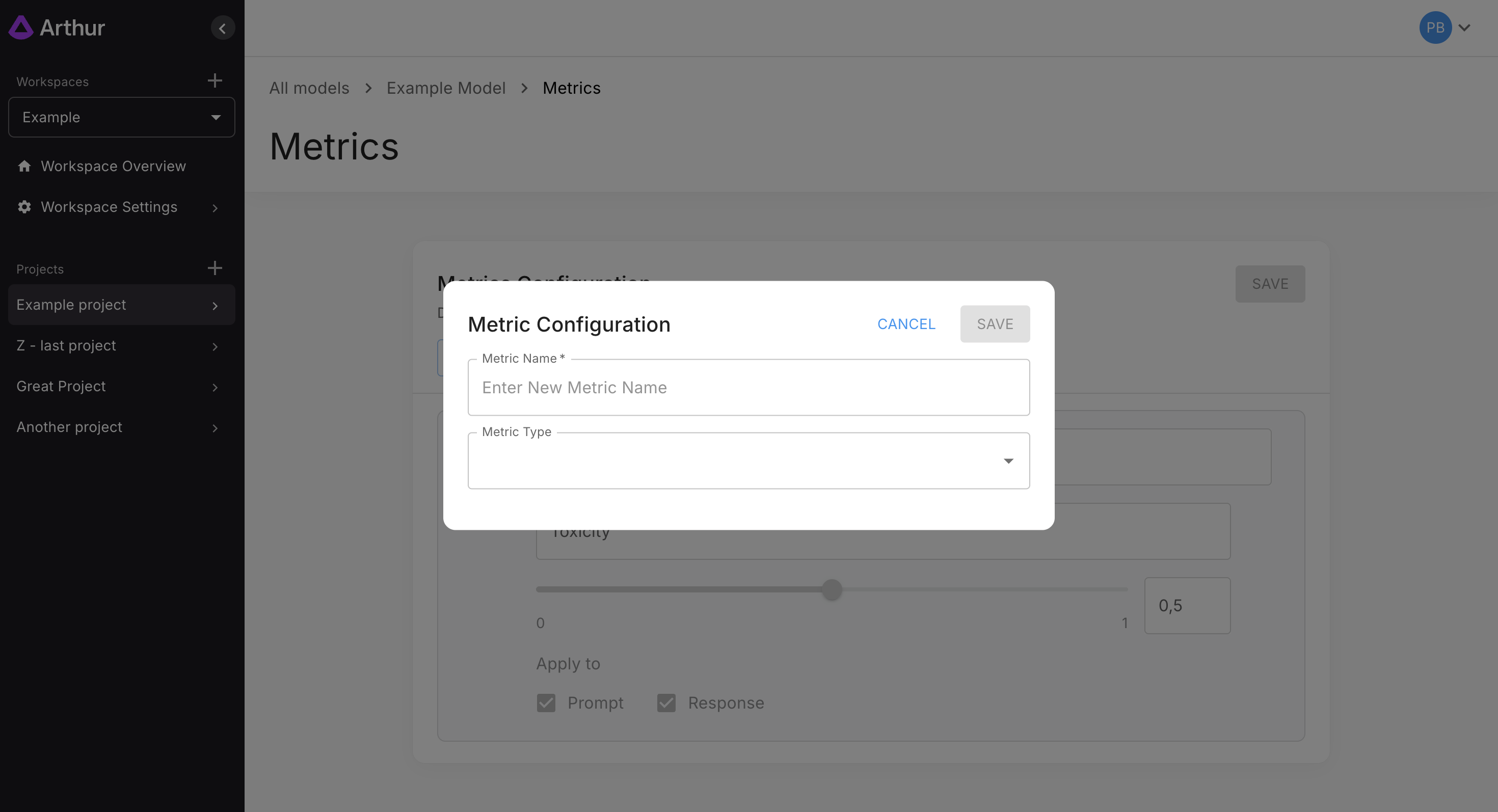
You must provide:
- Metric Name
- Metric Type
Supported metric types include:
- Toxicity
- PII
- Sensitive Data
- Prompt Injection
- Hallucination
- Keyword
- Regex
Metric Types & Configuration
Toxicity
Set a threshold using the slider or manual value input.
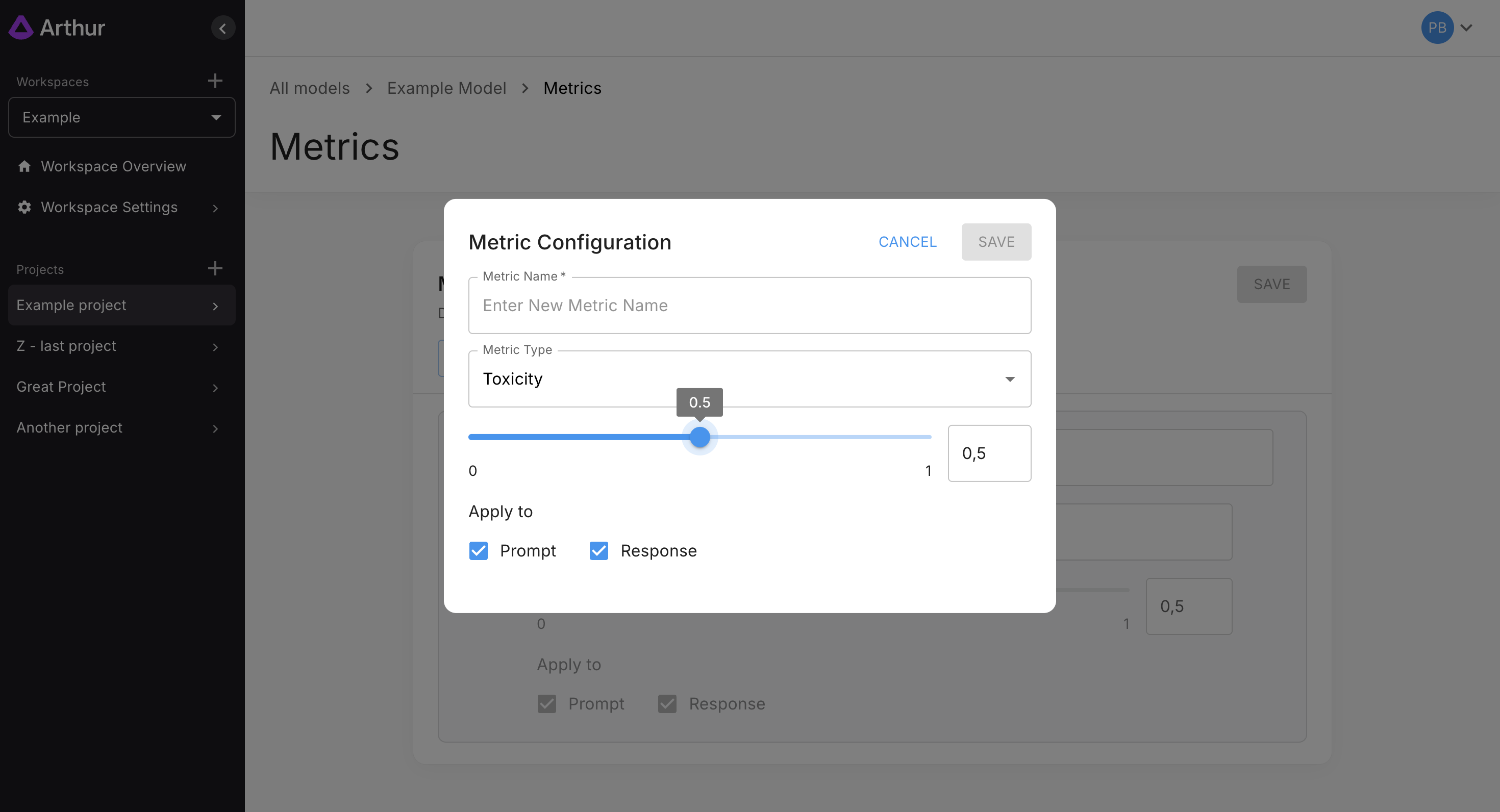
Applies to: Prompt, Response, or Both.
PII
Choose which PII entities the metric should detect.
Loom demo:
https://www.loom.com/embed/22f017056bad46a8a0d64eea1ed157f6
Applies to: Prompt and Response.
Sensitive Data
Add custom sensitive terms and flag them accordingly.
Loom demo:
https://www.loom.com/embed/56575adfd48d4ccab9d9b54a496abf90
Applies to: Prompt only.
Prompt Injection
Detects attempts to manipulate or override system instructions.
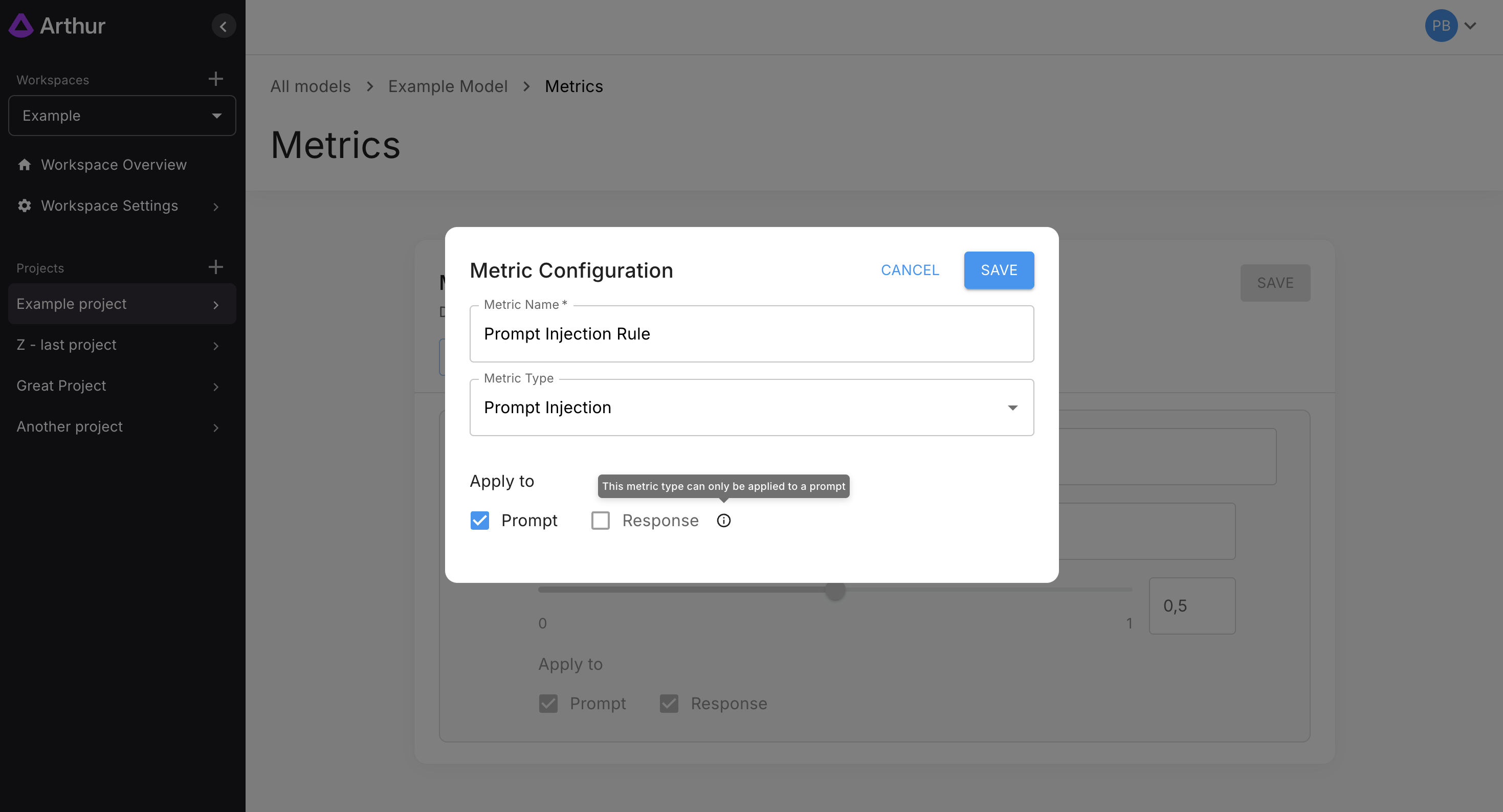
Applies to: Prompt only.
Hallucination
Detects unsupported or fabricated model responses.
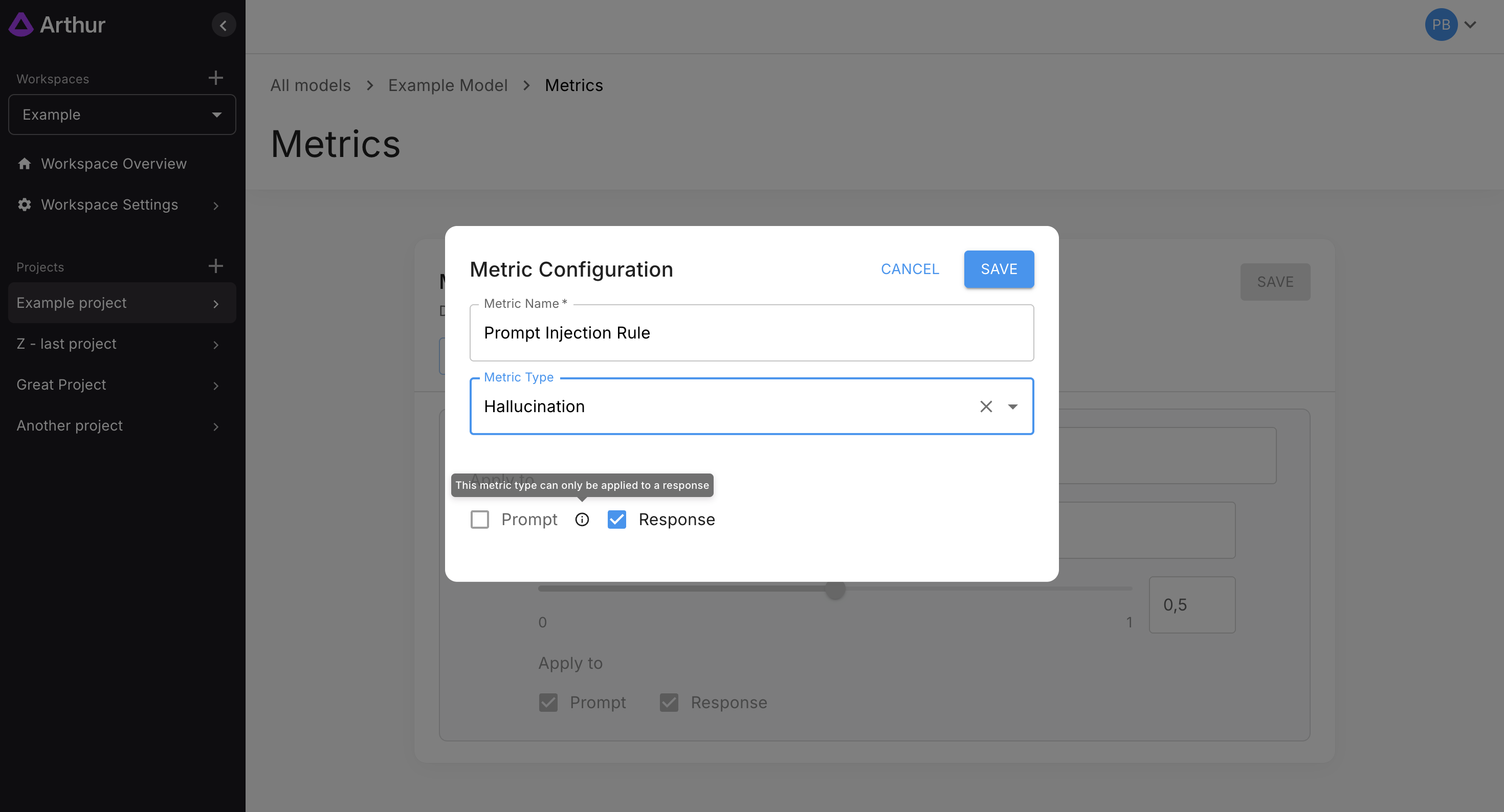
Applies to: Response only.
Keyword
Provide a list of keywords you want to detect.
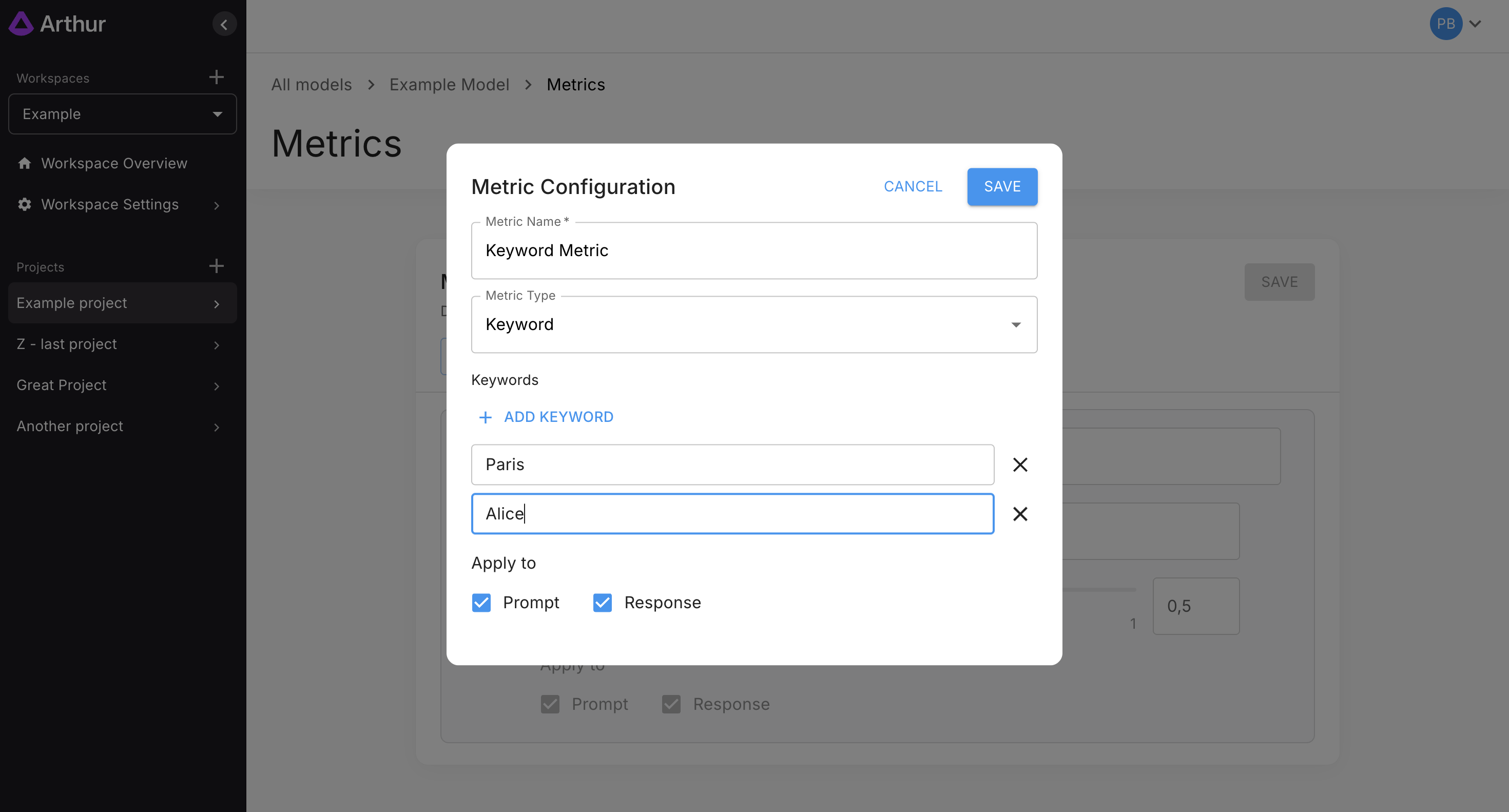
Applies to: Prompt, Response, or Both.
Regex
Define regex-based pattern detection.
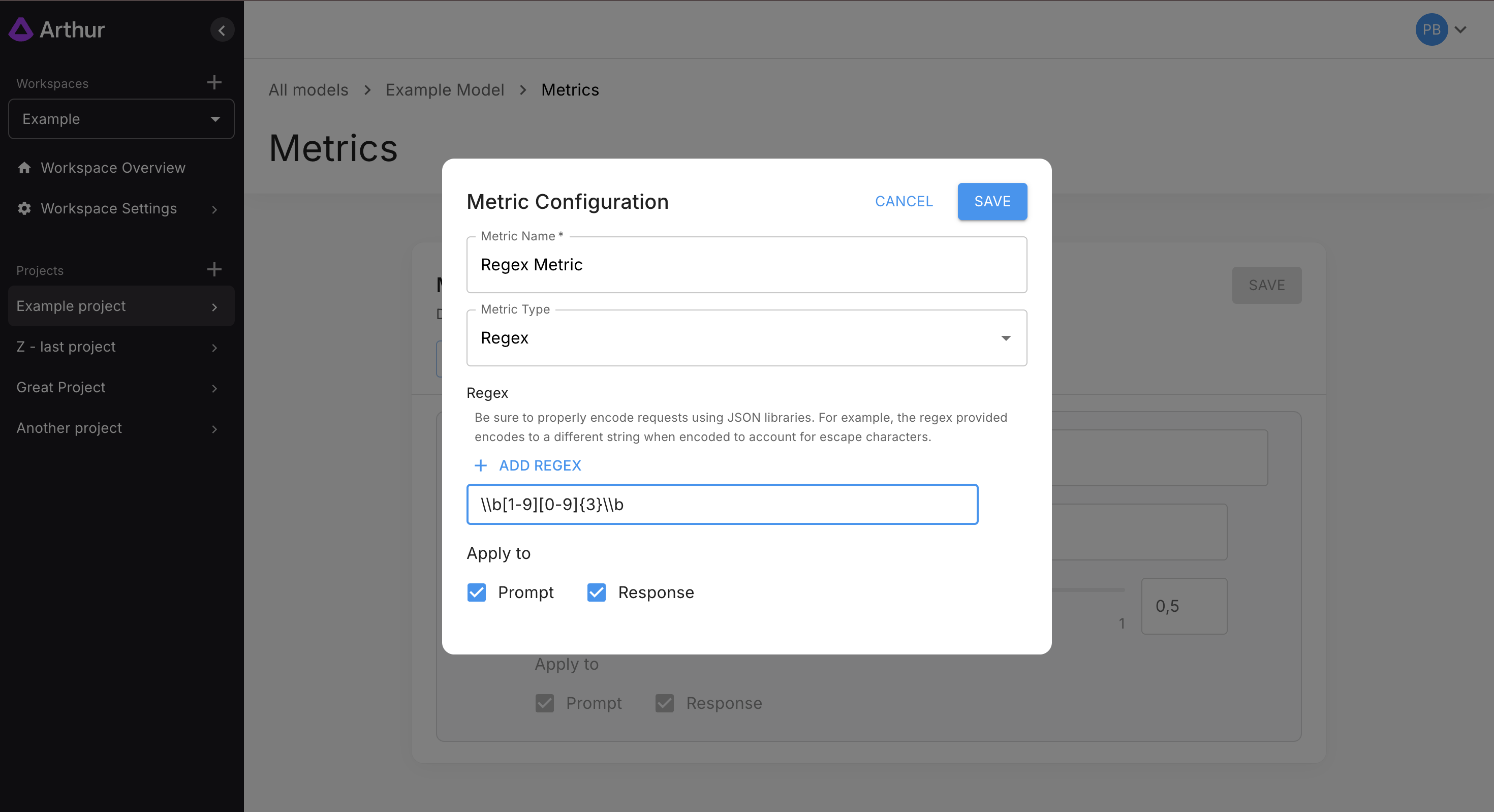
Applies to: Prompt, Response, or Both.
Reviewing & Managing Metrics
All newly added metrics appear in the list:
Loom walkthrough:
https://www.loom.com/embed/dcf4521aa41e4bf9bbfb94029fe53d9d
New metrics remain enabled until saved:
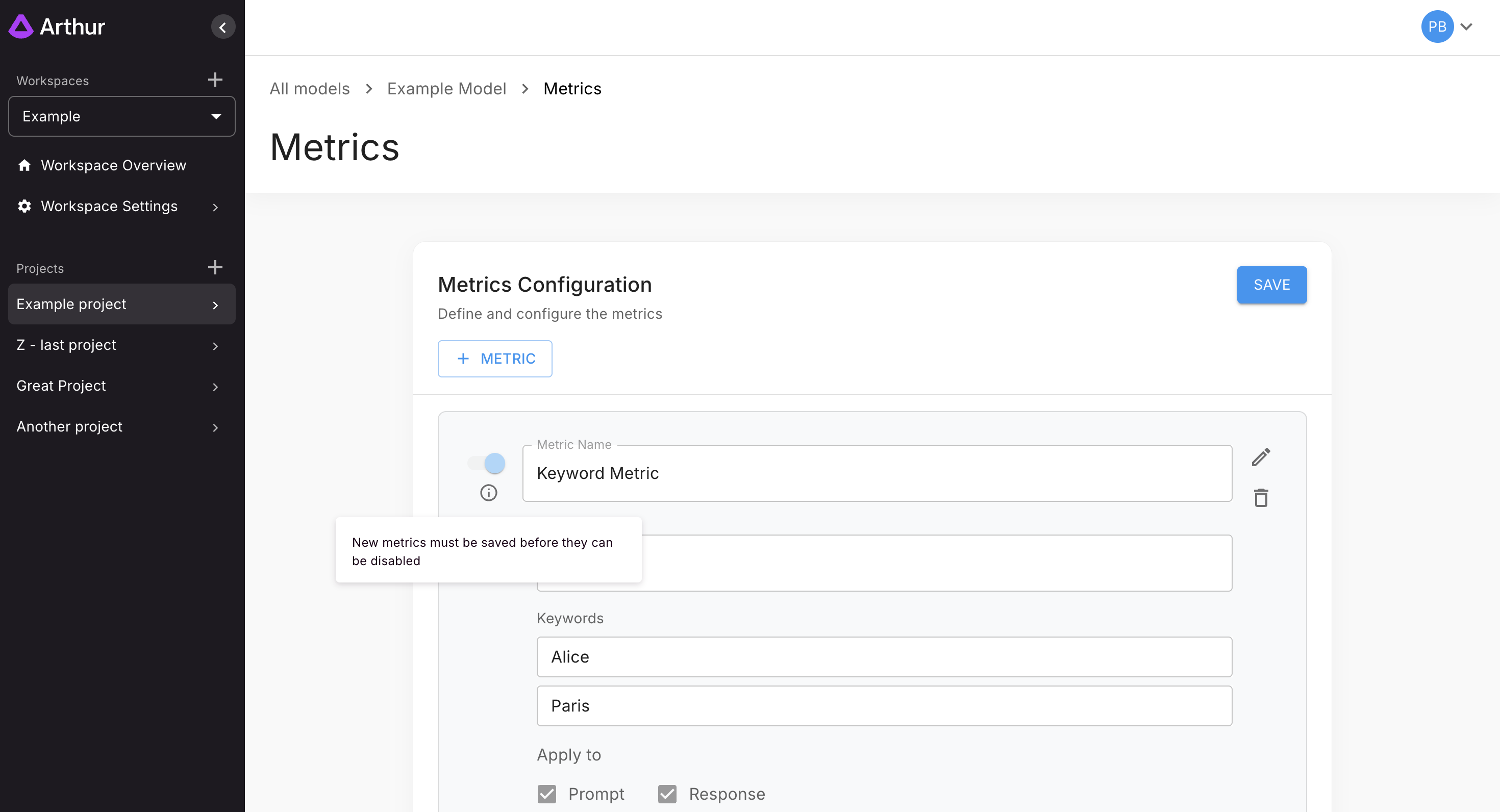
You may edit or remove metrics at any time:
Loom demo:
https://www.loom.com/embed/7019ea04b7114b4f8f152a2bd1a42930
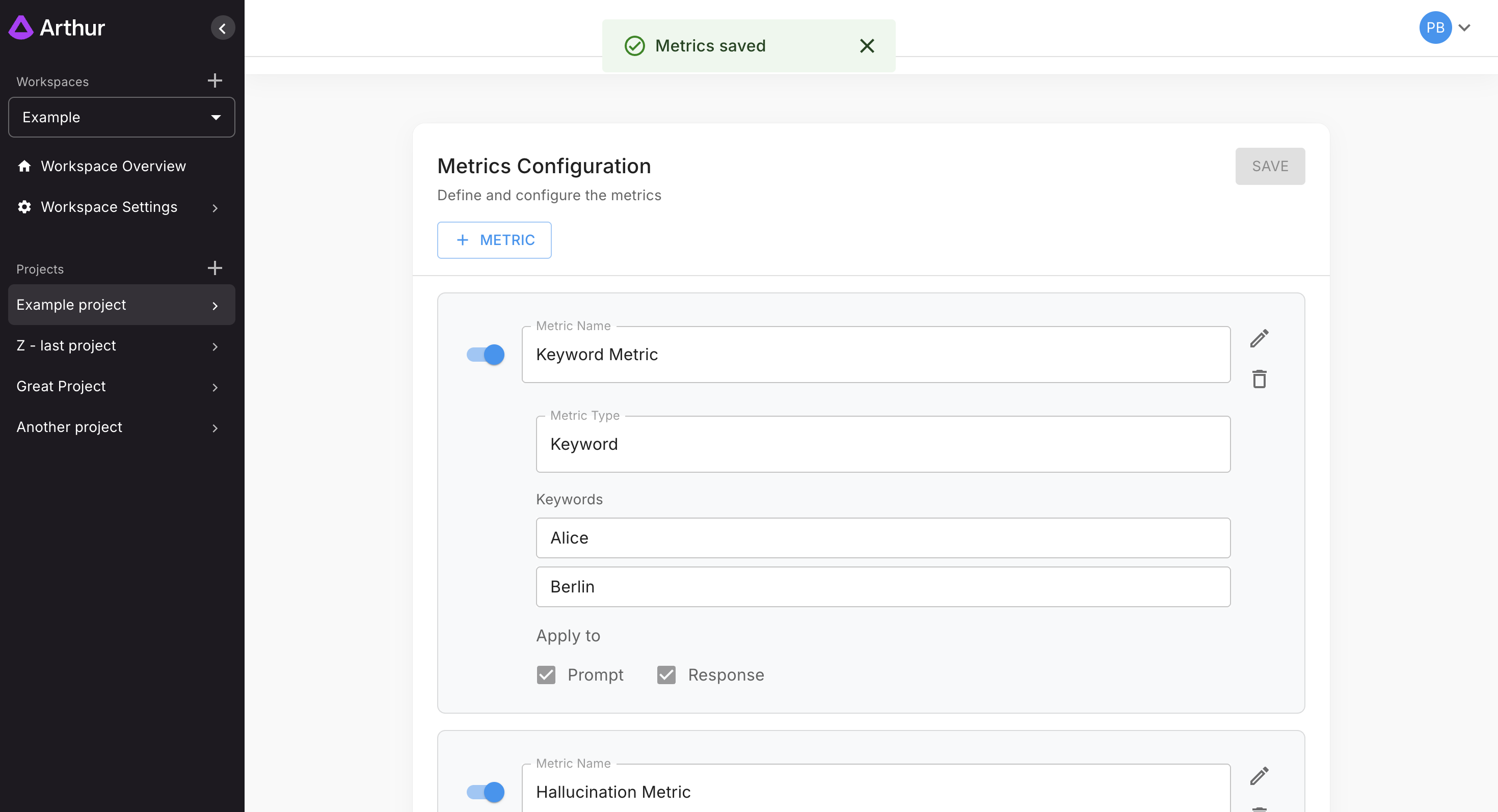
Once everything is configured, click Save. After saving, each metric can be toggled on/off as needed:
What’s Next
- Run evaluation pipelines using the metrics you've configured.
- Enable real-time guardrails to enforce these checks at inference time.
- Explore additional guides:
- Toxicity Detection
- Sensitive Data Leakage
- Prompt Injection Detection
- Hallucination Detection
Updated 10 months ago